
Skip to content
Virtual

Planning and Managing Projects in Primavera P6 Pro

This self-paced Primavera P6 course lets you learn on your schedule. It's a flexible option for Primavera P6 training without a fixed class schedule. You will learn the full lifecycle in P6 Professional, from planning to execution and control.

If you are comparing Primavera P6 courses, this on-demand option is a great fit for busy individuals and teams.

Training Contents

You will learn to:

  • Create a project in P6
  • Add activities and logic
  • Assign resources
  • Create a baseline
  • Load schedules with resources and costs
  • Use best practices and explore helpful P6 features used in real projects

Flexible Learning Experience

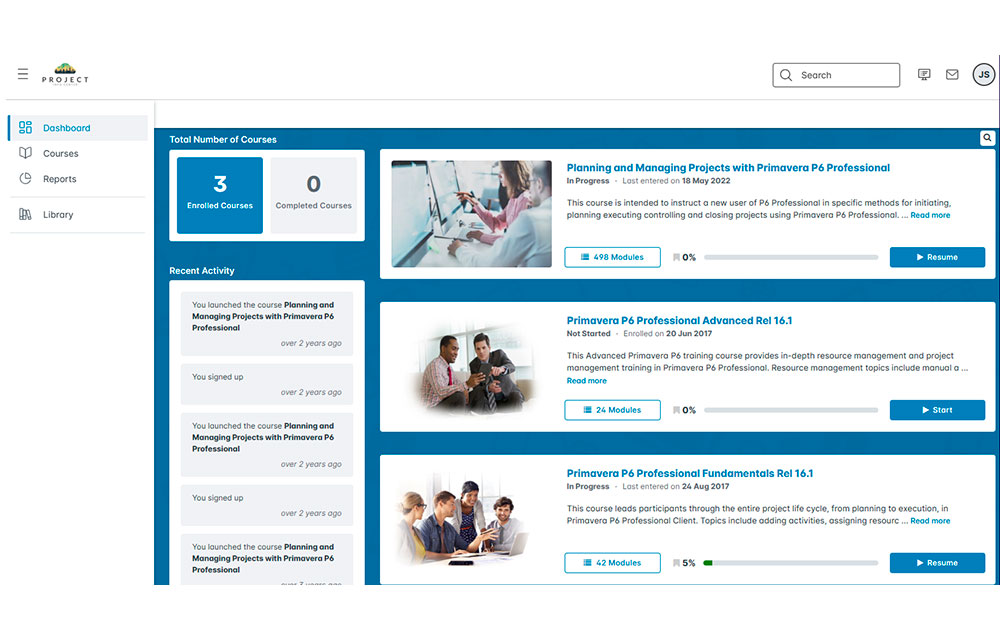
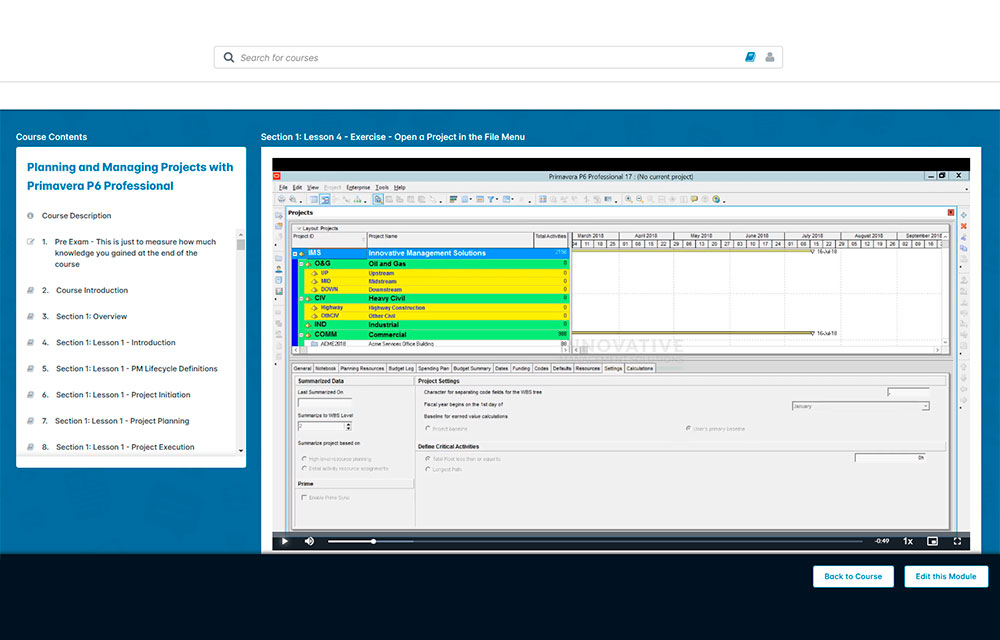
You get 30 days of access to 490+ micro-videos and a training lab. Learn when it works for you. You can replay lessons and practice in the lab as often as you want.

This is Primavera P6 training you can complete at your own pace.

Expert Instruction

This course was built by a Project Management Professional with 30+ years of experience. The instructor also has 20+ years of Primavera P6 training and implementation experience. As a Certified Primavera Trainer and Implementation Consultant, he keeps the lessons practical and clear.

After you finish the course, you will receive a certificate of completion from Innovative Management Solutions.

To enroll or ask a question, call (469) 467-9221 and speak with an Oracle Primavera P6 expert.

See Key Benefits and Features

IMS price:

$895.00

This Primavera P6 training focuses on three core areas: schedule, resources, and costs.

You get 30 days of access to the videos, and training lab. Learn on your own schedule. After you finish,  you will receive a certificate of completion from Innovative Management Solutions.

This self-paced Primavera P6 course uses P6 Professional (Primavera's Windows-based, client/server application). It works for those using P6 Professional either as a stand-alone tool or as part of P6 EPPM.

Learn To

  • Understand P6 setup and navigation
  • Plan and start a project
  • Execution and control the schedule
  • close a project in P6

Get 30 days of access to the on-demand videos and lab.

Course level

Basic

Targeted roles

Functional Implementer, Business Analysts, End Users, Project Manager

Course length

30 days

Prerequisite

Basic knowledge of project management principles

COURSE TOPICS

Overview

  • Understand P6 architecture, navigation, and underlying data structures

Planning Considerations

  • Understand Calendars effect on the Schedule
  • Understand Percent Complete Types and their effect on the Project information
  • Understand Duration Types and their effect on the Project information

Planning

  • Create a new Project
  • Develop a Work Breakdown Structure
  • Plan Activities
  • Use Relationships
  • Use of Constraints
  • Calculating the schedule
  • Resource and Cost loading the schedule
  • Optimizing the Project
  • Baselining the Project

Execution and Control

  • Exporting and Importing Projects
  • Understand the Update Process
  • Updating Activities
  • Analyzing the updated Project
  • Controlling Project Changes

Close

  • Closing the Project in P6

Need a Quote?

Please send us a message & we will respond shortly.

Contact IMS

Let’s Stay Connected, Join Our Mailing List

"*" indicates required fields

This field is for validation purposes and should be left unchanged.
SEWP
METRO
innovative solutions