ClassroomVirtual
Primavera P6 Essentials Training Course
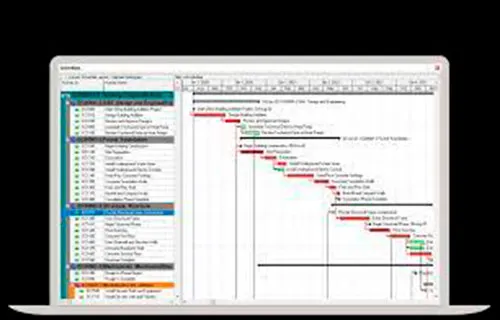
Join our Primavera P6 classes and learn the core sills to plan and manage projects in Primavera P6 Professional.
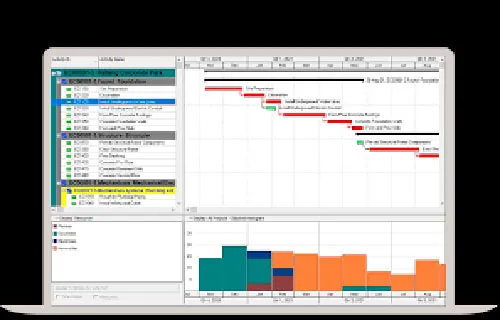
This instructor-led, hands-on class covers resource and cost-loaded scheduling. You also learn best practices you can use right away.
Exclusive Post-Training Resources
After your Primavera P6 course, you get 30 days of access to our Self-Paced Planning and Managing Projects in Primavera P6 Professional program.
It includes:
- Over 490 micro-videos for in-depth learning.
- A dedicated training lab for practical application.
These resources help you review key topics, practice in the lab, and answer questions as you apply Primavera P6 training on real projects.
Flexible Training Options
We offer training Primavera P6 in virtual classes each month and in-person classes once per quarter. We offer a blended training experience. Virtual attendees join a live classroom session for a more interactive experience.
In-person training is held at our Plano, TX office at:
7250 Dallas Parkway, Suite 400
Plano, TX 75024
We will send full location details after you book.
Expert Trainers
Our trainers are Project Management Professionals (PMP) and Certified Primavera Trainers. Each has over 30+ years of hands-on experience delivering Primavera P6 training classes.
Private Training
Need private Primavera P6 classes for your team? We offer private virtual and on-site sessions. We can tailor the agenda to your schedules, standards, and reporting needs.
To book your Primavera P6 course or ask a question, call
(469) 467-9221 to speak with an Oracle Primavera P6 expert.
See Key Benefits and Features