Virtual
Primavera P6 Advanced Topics Training
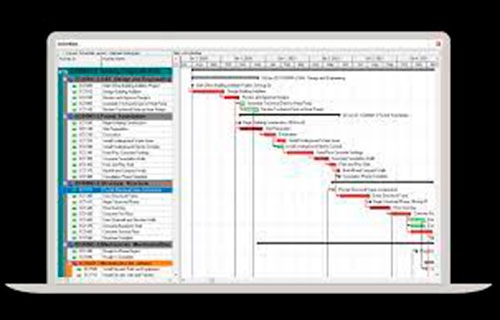
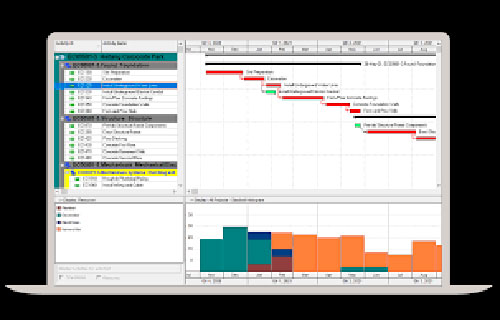
Take your Primavera P6 training to the next level with our Advanced Topics Virtual class. This Primavera P6 course covers advanced features in P6 Professional. You will learn methods that help you manage complex schedules and projects. This P6 Primavera training is hands-on. You will practice skills you can use right away.
Training Contents
This Advanced Topics Primavera P6 class covers:
- Advanced scheduling to improve timelines and reduce schedule risk
- Earned Value basics, including Percent Complete types and performance tracking
- Resource loading and resource levelling strategies
- Managing multi-phase and interdependent schedules
- Reporting and analytics to support better decisions
If you're comparing Primavera P6 courses, this advanced class is best after you know the basics.
Flexible Training Options
Choose a virtual class date that fits your schedule. You get live instruction plus hands-on exercises based on real scenarios.
Expert Trainers
Learn from Certified Primavera Trainers and Project Management Professionals (PMP). Each trainer has 30+ years of hands-on experience. You will get practical guidance you can apply to your projects.
Private Training
Need Private Primavera P6 classes for your team? We offer private virtual and on-site training. We can tailor the agenda to your standards, workflows, and reporting needs.
To reserve your spot, call (469) 467-9221 and speak with one of our Oracle Primavera P6 experts today!
See Key Benefits and Features